Full product price$399.00$119.00 deposit due nowBalance before dispatch$280.00
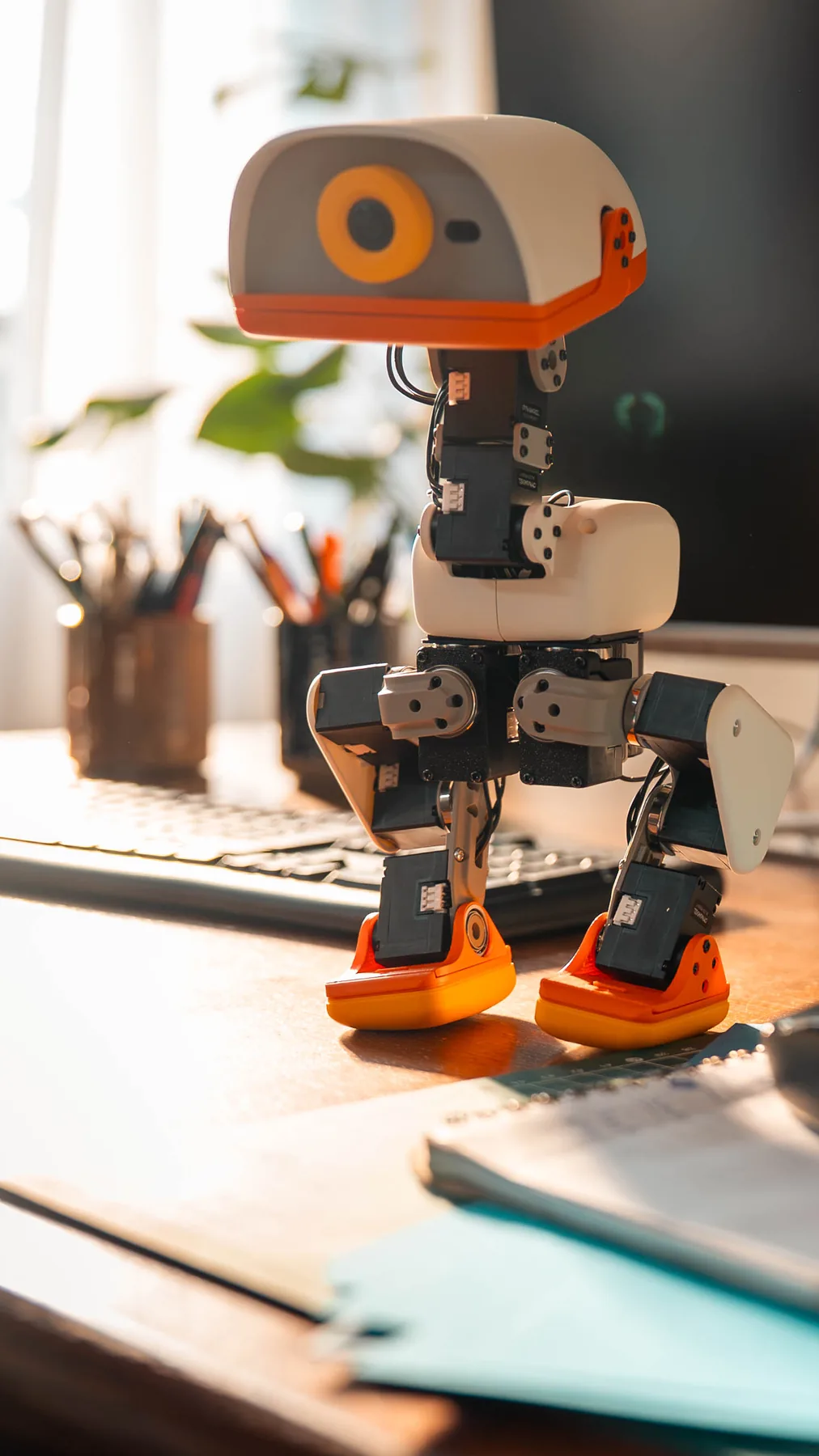
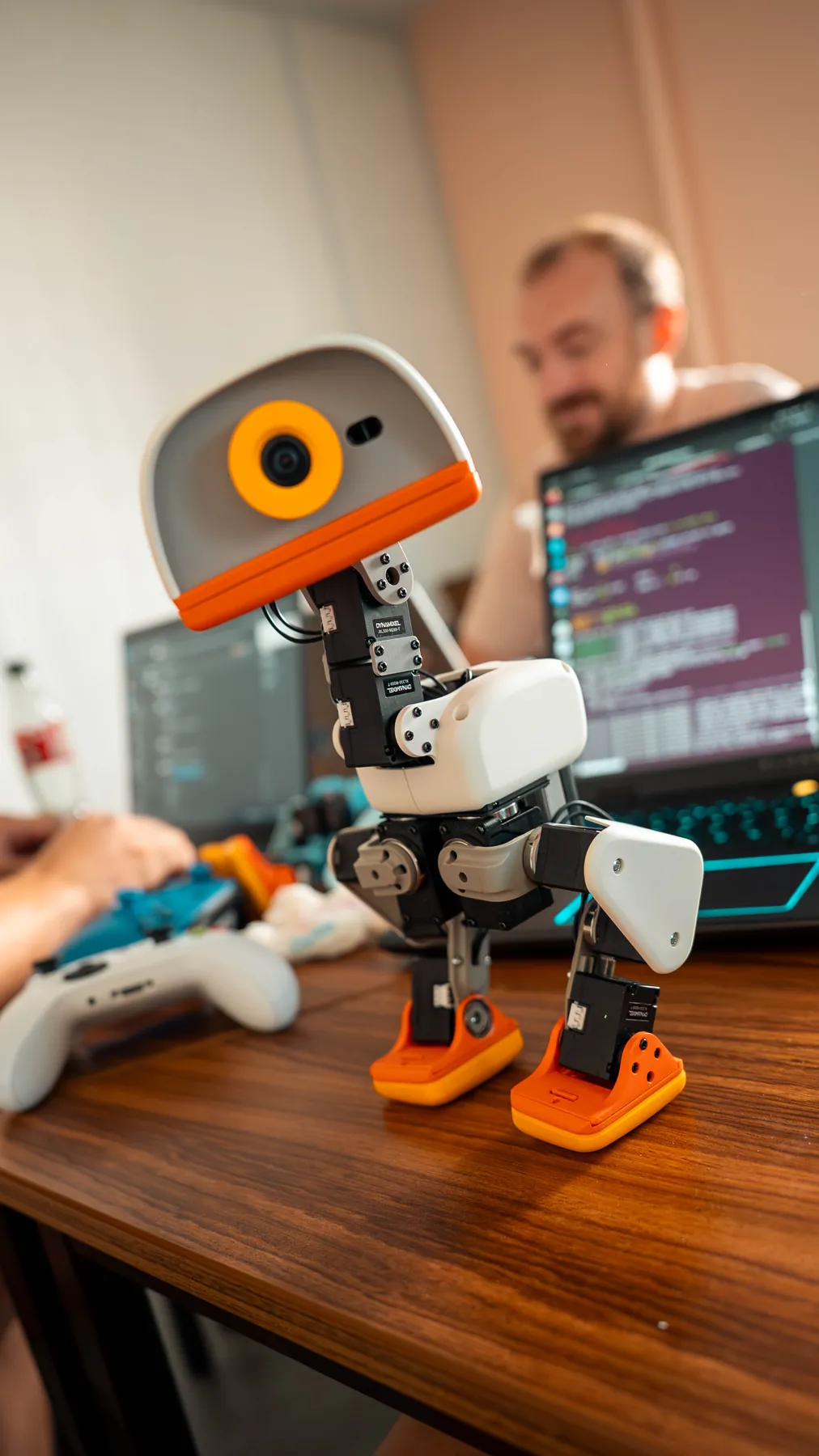
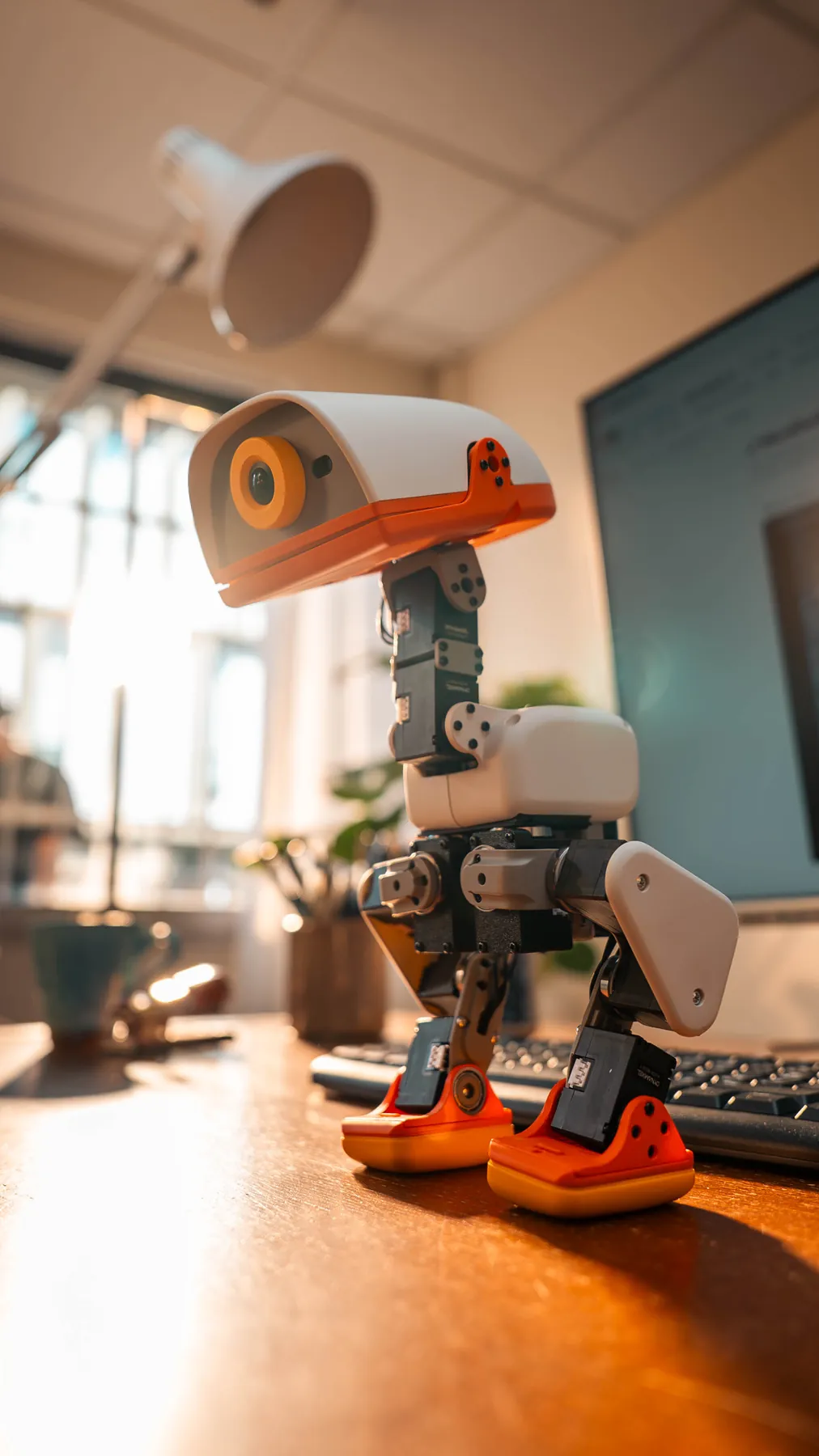
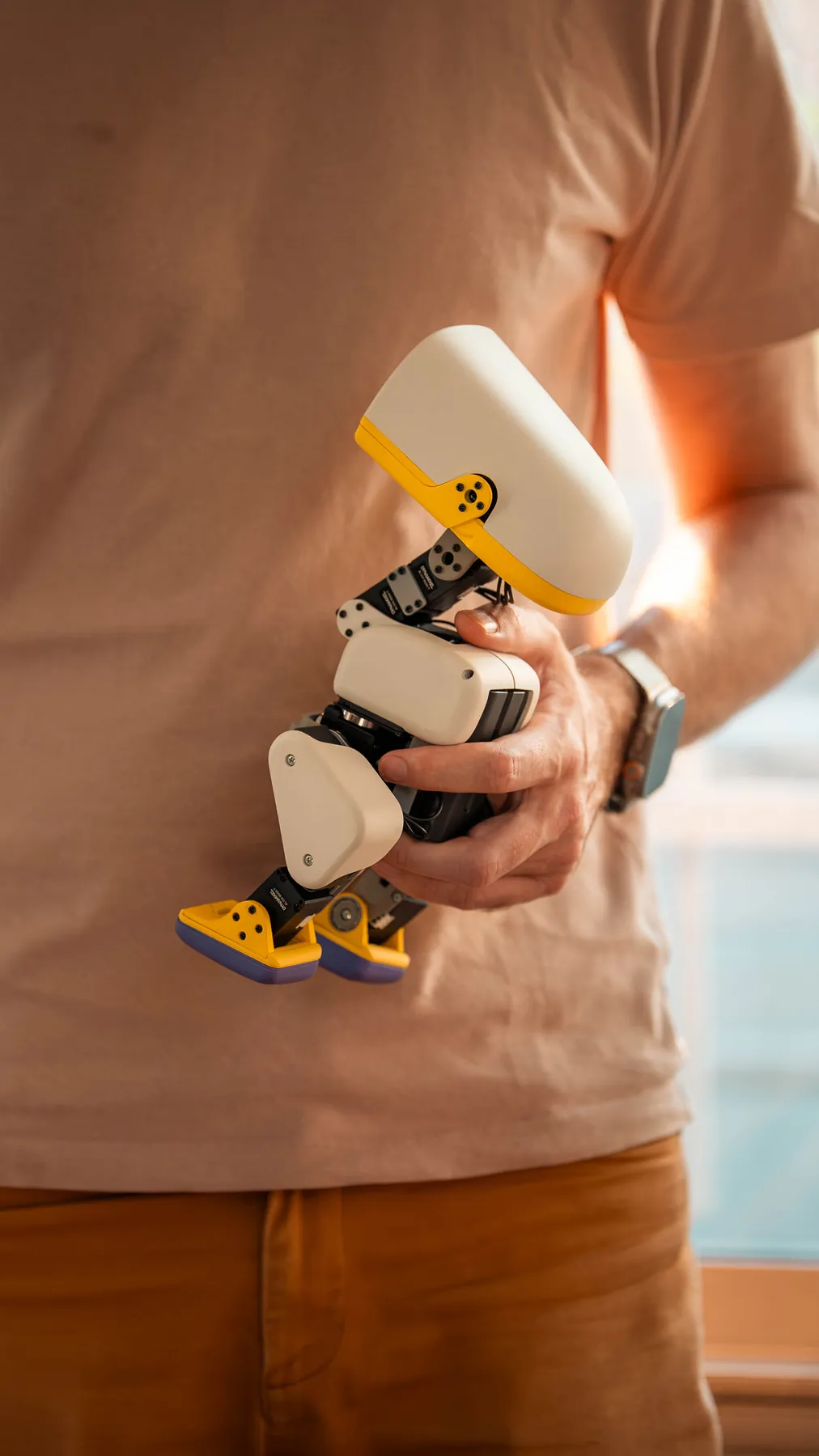
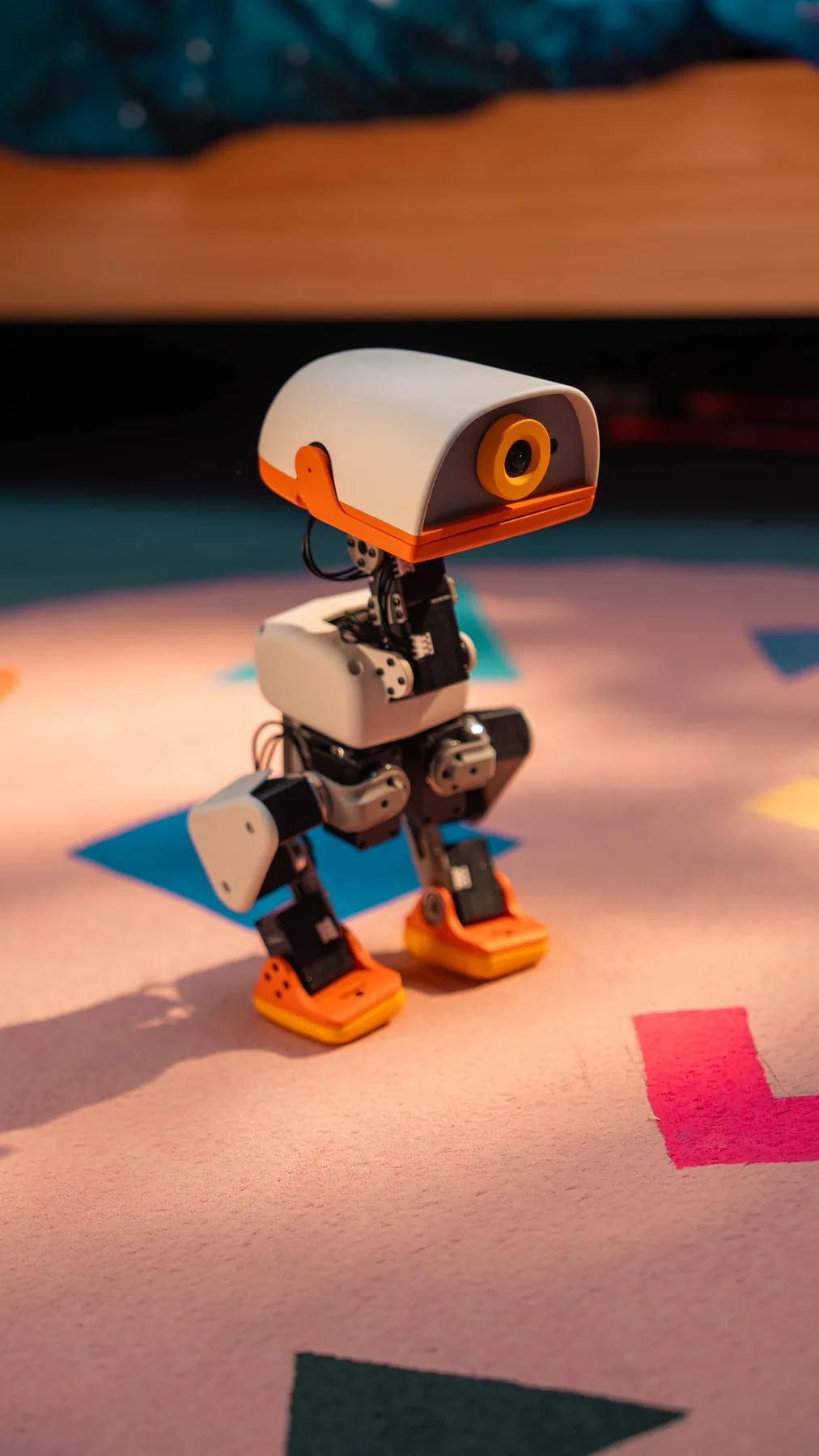
A compact, open-source biped robot for physical AI, robotics learning and play. Start with the included controller, then train and deploy your own behaviours.
15-motor whole-body movement
Camera, ToF LiDAR, dual IMUs and audio
Open SDK with simulation-to-robot workflow
Before you reserve
Robot deposit up to US$119 including applicable robot tax; optional packs are paid in full on top. The final total is shown before payment.
Only the remaining robot balance is paid separately before dispatch and is not charged automatically.
Cancel before handoff to the carrier for a refund of payments we collected, without a cancellation fee.
The deposit is part of the full robot price. Optional packs cost extra and are paid in full now; only the robot balance is paid before dispatch, without an automatic charge. Checkout shows the final tax, delivery and amount due now.
Initial delivery target and transit: Microduck pre-orders: initial deliveries are targeted before Christmas 2026. Transit after dispatch typically takes 3–8 days, depending on destination.
Paying the balance: Any remaining robot balance is paid separately before dispatch. Contact order support for your balance statement and payment instructions. The balance statement will show the full merchandise price, amounts already paid and remaining amount due. The balance will not be charged automatically.
Cancellation and refunds: You may cancel your pre-order at any time before it is handed to the carrier. We will refund all payments collected for that order, including any delivery charges paid, to the original payment method, without a cancellation fee. Contact order support with your order number to request cancellation. The time for funds to appear depends on the payment provider. This does not reduce your rights under existing order terms or applicable law.
Faulty, damaged in transit or incorrect item? Contact order support to request a return and refund. For confirmed problems, we cover reasonable return shipping costs. Your statutory rights remain unaffected.
Watch Pollen Robotics’ 51-second launch film, then explore the official browser simulator.
Official launch film · 51 secondsPrototype shown. Final product may differ. Some scenes show optional accessories.Open the film directly
Start with the controller
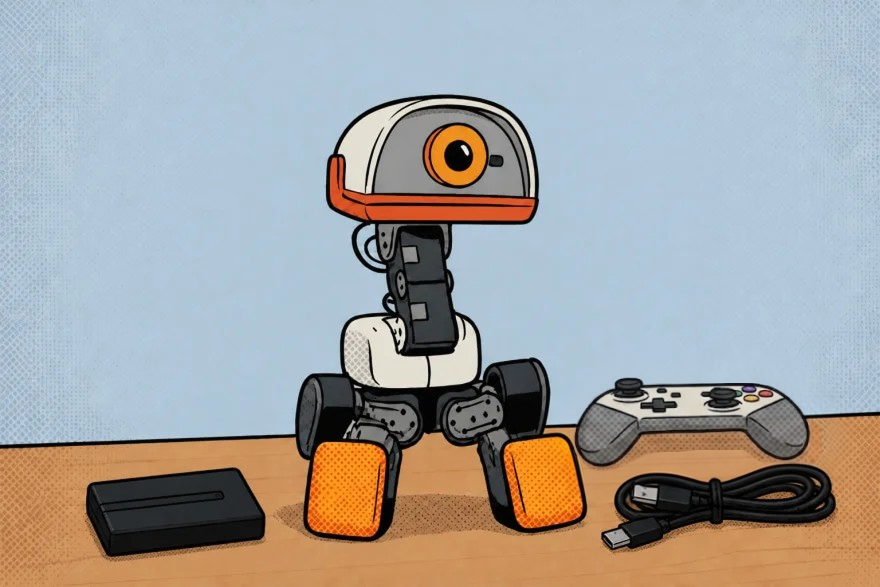
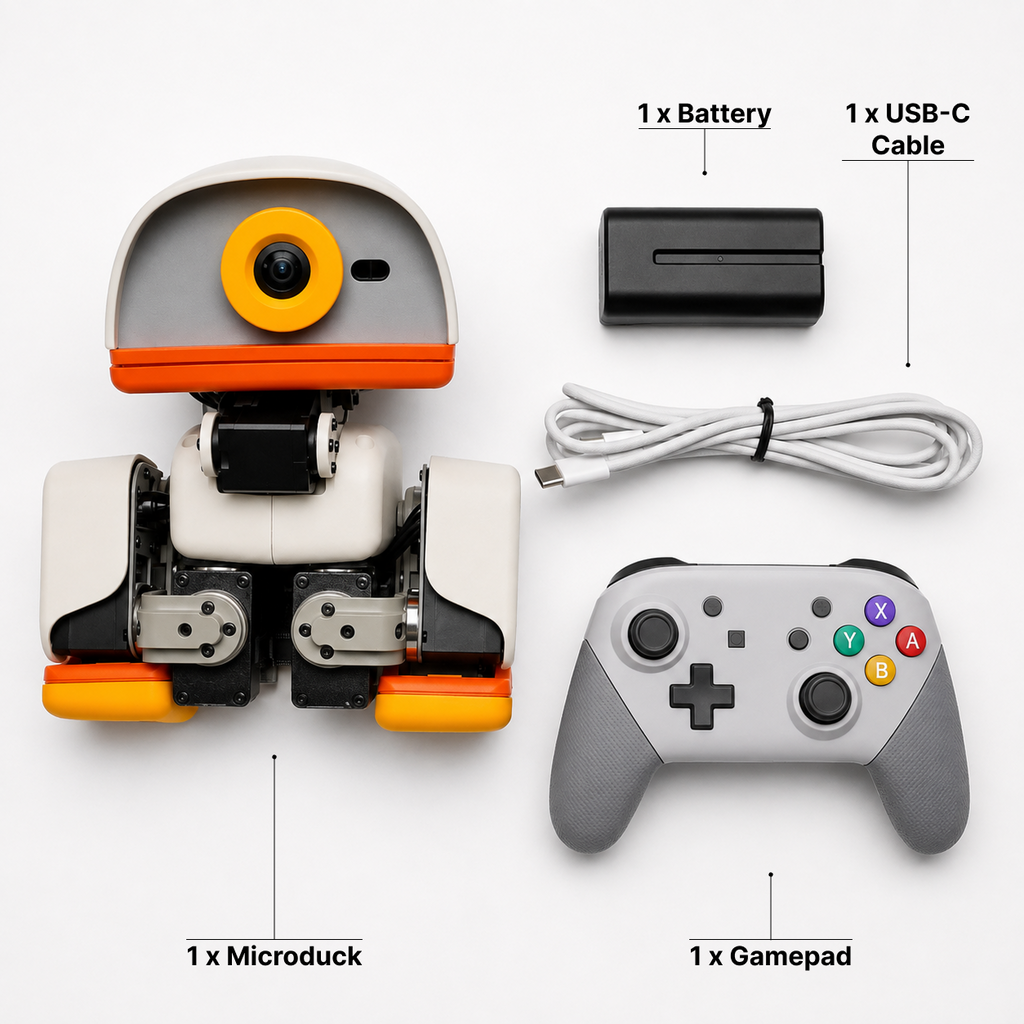
The published robot package includes a battery, USB-C cable and game controller. Basic controller use and developing your own behaviours are separate paths.
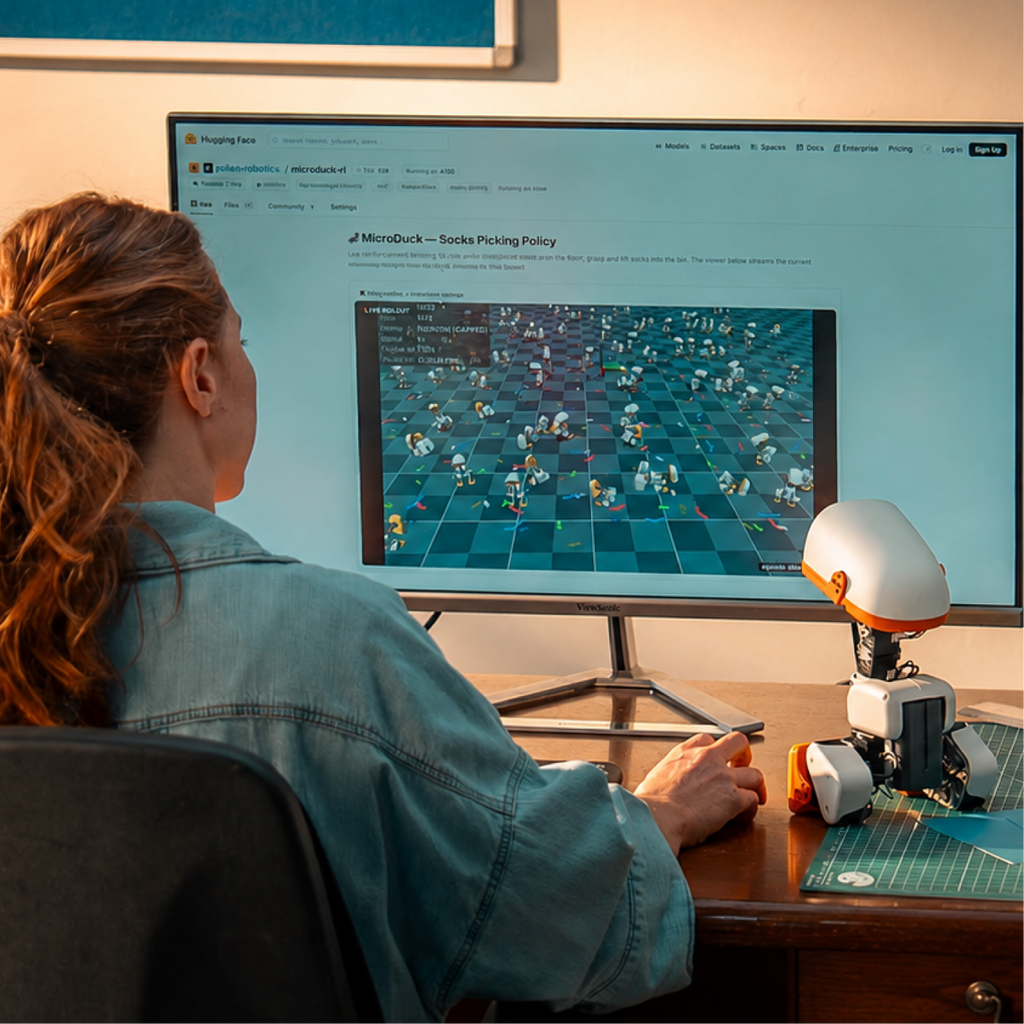
Try the official simulation in your browser. It demonstrates a virtual robot; hardware, accessories and real-world performance are not verified by the simulation.
Microduck is developed by Pollen Robotics, part of Hugging Face. Start with the included controller; developers can explore the published open-source stack and simulation resources.
MuJoCo simulation
Train and refine a behaviour in simulation before a careful hardware test.
Hugging Face Jobs
Pollen Robotics describes Jobs as one option for training policies. Availability and requirements depend on that service.
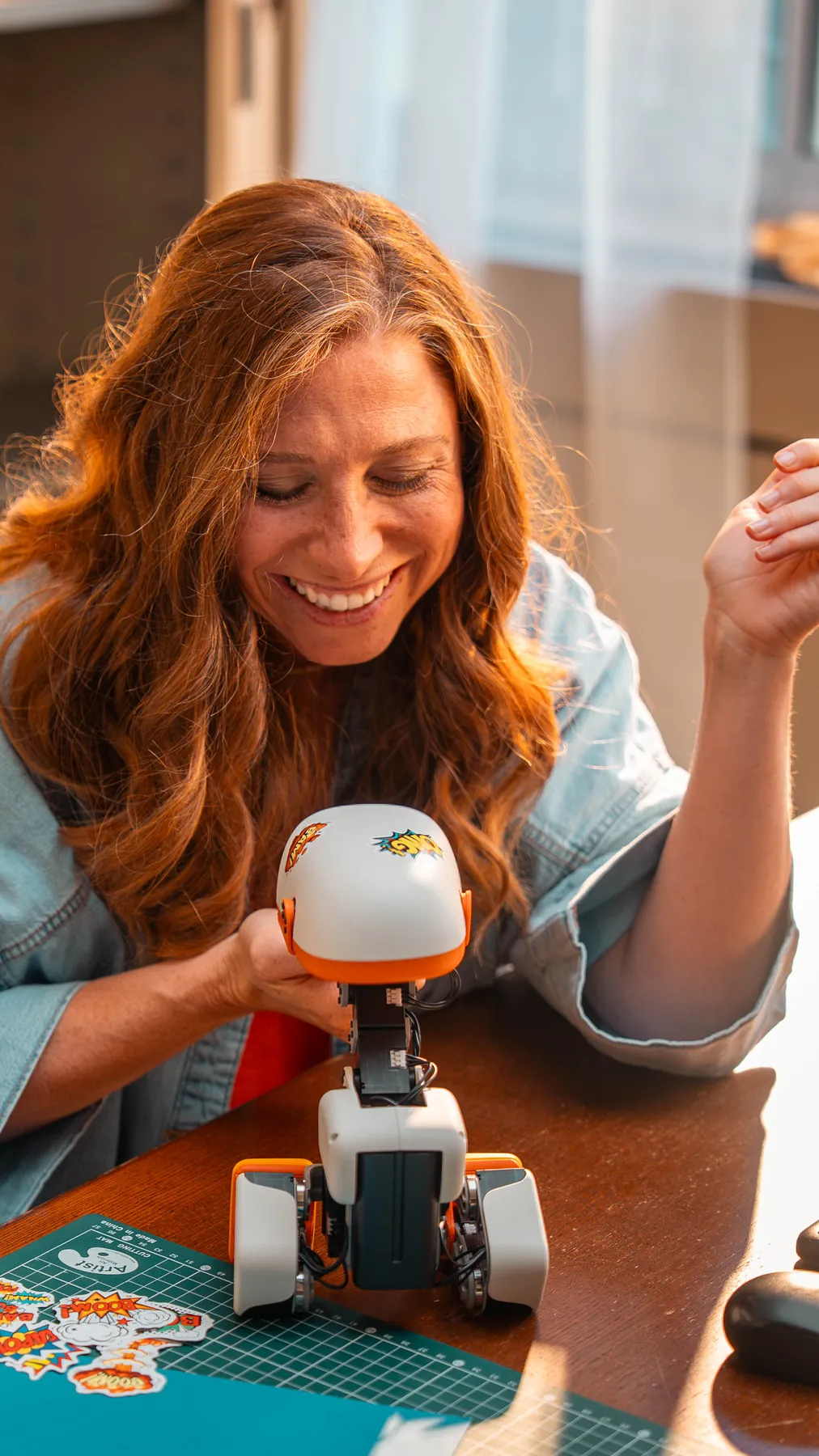
Microduck MD-01 combines controller operation with an open development platform. Published resources describe walking, crouching, grasping with its articulated beak, getting up after a fall and optional rollers. Published policy examples provide a starting point for development. Available behaviours depend on the software installed on your robot; test new behaviours in simulation before supervised hardware tests.
01
Start with the controller
Use the included controller with the behaviours supported by your installed software. Follow the setup and controls guide for that version.
02
Perception on board
A wide-angle camera, compact 8x8 ToF LiDAR, two IMUs, microphones, a speaker and two NFC antennas support interactive projects.
03
Built for physical AI
The RK3566 computer, AI accelerator and 50 Hz onboard policy loop bring trained behaviours onto the robot.
04
Open development path
Create and tune reinforcement-learning policies in MuJoCo, deploy conservatively, observe and refine.
A strong fit for
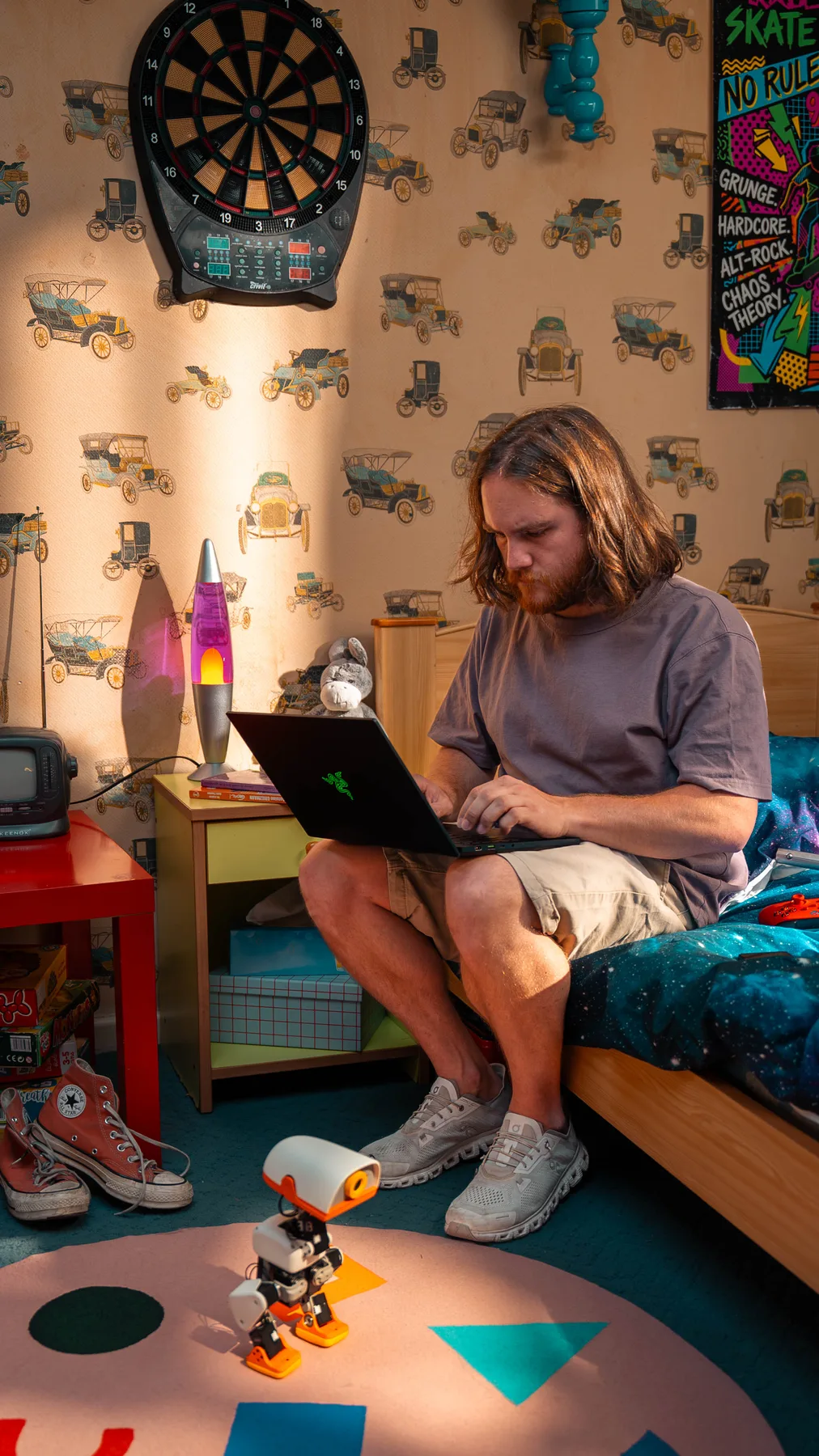
Developers exploring reinforcement learning and sim-to-real workflows
Educators demonstrating motion, perception and embodied AI
Makers who want a playful robot they can continue to program
Supervised demonstrations and interactive experiments
Published specifications
Specifications and compatibility
Height
25 cm
Weight
Approximately 780 g
Actuation
15 motors for whole-body movement
Front perception
Wide-angle camera and compact 8x8 ToF LiDAR
Motion sensing
2 built-in IMUs
Interaction
Articulated grasping beak, microphones and speaker
NFC
2 antennas: head and beak
Compute
Rockchip RK3566 with AI accelerator
Memory and storage
1 GB RAM and 32 GB storage
Connectivity
Wi-Fi and Bluetooth
Battery
Removable NP-F550; approximately 1 hour depending on use
Control loop
50 Hz onboard policy loop
Software
Open-source SDK; MuJoCo simulation workflow
Control policies
Version-dependent; see the published software resources.
These details summarize published Pollen Robotics documentation, not a hardware test by this store. Available behaviours and controls depend on the software version supplied with or installed on your robot.
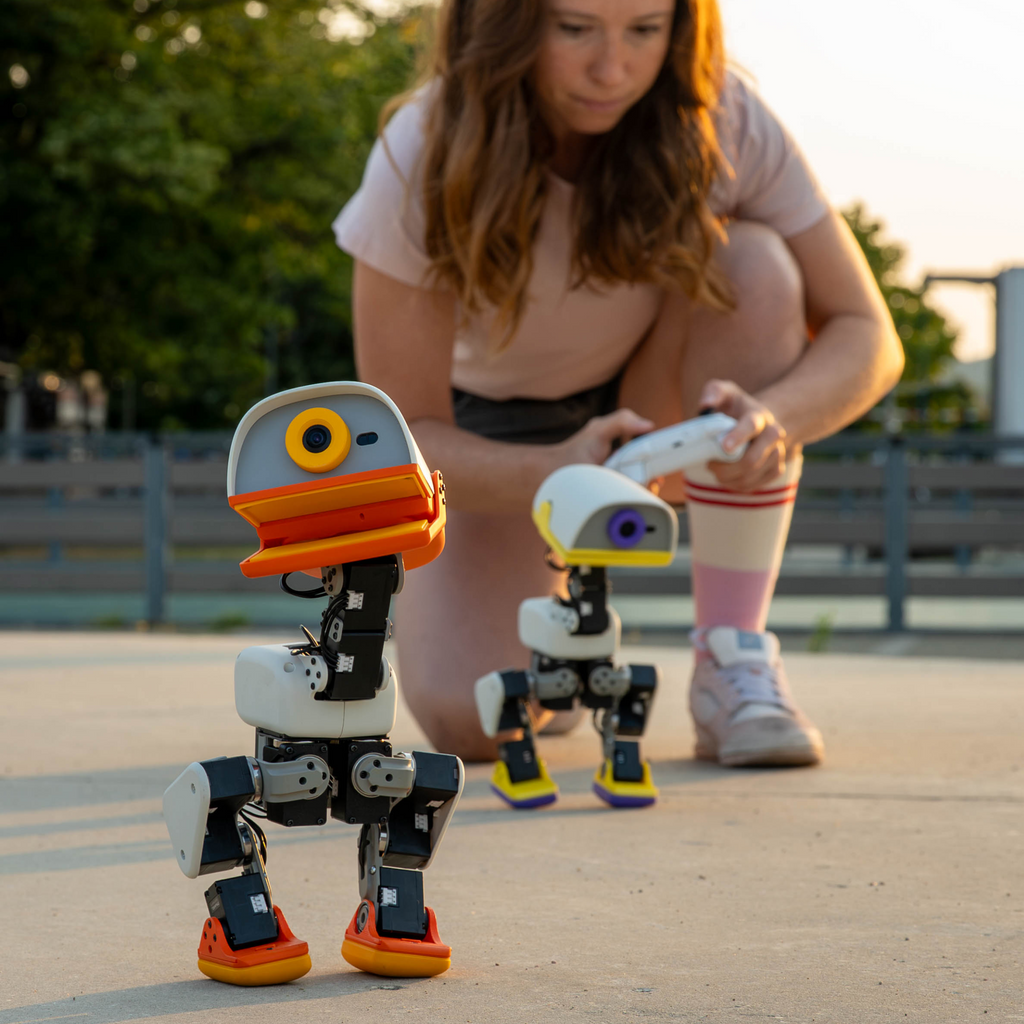
The included gamepad provides the first-use control path.
Wi-Fi or Bluetooth availability depends on the workflow you choose.
Optional packs on this store are designed for Microduck MD-01.
A computer is required to use the development and simulation workflow.
STEP BY STEP
From opening the box to first use
Inspect the robot
Unbox MD-01 on a clear table. Check the shell, feet, beak and moving joints before installing the battery.
Charge and power on
Follow the instructions supplied with the robot, battery and charger to confirm compatible charging equipment and connections before use. Install the battery with the robot powered off, then place MD-01 on a level surface.
Learn the controls
Pair the included gamepad, start at low speed and confirm stopping, turning and balance before running a longer behaviour.
Try a published policy
Select a behaviour supported by your installed software and follow its setup requirements. Keep the robot within reach during every first run.
Develop in simulation
Use the open SDK and MuJoCo workflow to train or tune a policy before moving it to hardware.
Deploy and refine
Transfer a conservative policy, test in a controlled area, review the result and repeat the simulation-to-robot cycle.
Included
1 Microduck MD-01 robot
1 removable battery
1 USB-C cable
1 gamepad
Not included
Computer for development
USB-C power adapter
Optional charger, developer and accessory packs
BEFORE YOU ORDER
Frequently asked questions
Can I use MD-01 without programming?
Yes. Start with the included controller and the behaviours supported by the installed software. Follow the pairing and controls guide for that version.
Can I create my own behaviours?
Yes. The open SDK supports a simulation-to-real workflow, including reinforcement-learning policy development in MuJoCo.
How long does the battery last?
The published estimate is approximately one hour. Runtime varies with motion, sensors, wireless use, battery condition and environment.
Does it include a computer or wall charger?
No computer or USB-C power adapter is listed as included. The box includes a USB-C cable.
Which colours are available?
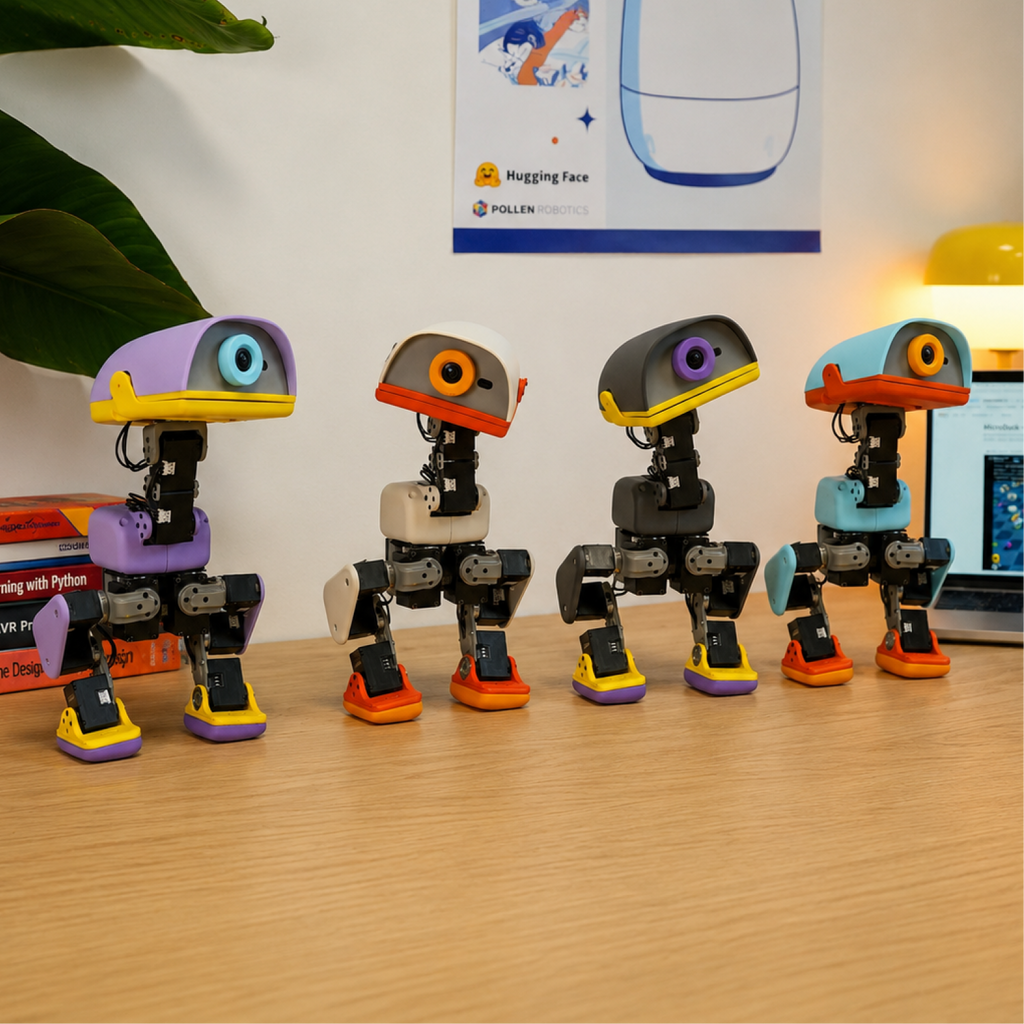
The current product selector shows Cream, Graphite, Lavender and Sky. Availability is shown before you add the robot to the cart.
How does the pre-order work?
The robot deposit is up to US$119 including applicable robot tax. Optional packs are paid in full alongside it at checkout. Only the remaining robot balance is requested before dispatch, after the dispatch origin and estimated shipping window are confirmed. The balance is not charged automatically.
Can I complete a payment right now?
Available payment methods and the final amount are shown at checkout. Review that page before attempting payment.
Where can I find open-source resources and technical sources?
The Specifications and Usage Guide pages linked from this product page list published technical sources and development resources. Available capabilities depend on the installed software version.